

Jumping down the page or using anchors in webpages or posts
I have dyspraxia, which means I don’t remember verbal processes unless I use them often. In 2001, I learned html to do my employer’s website and one of the best tricks of code for navigation was the anchor or page jump.
Anchor – Jumping down a page or post
An anchor page jump means you can have a menu or a list and then jump to more information about it further down the page. A few months ago I found a memory prompt to insert the html code, which I don’t use often enough to recall. Today I went to look for a little prompt or memory jogger, hoping for a step by step.
I failed to find a memory jogger as all the guides I found layered jumping down the page in with jumping to another page or an external link. Therefore, I am focusing on creating page jumps just in WordPress below, using the block editor.
Step 1. Go to the word or heading you would like to jump from.

Step 2: Click on the link icon, add a #plus-unique-words to link to
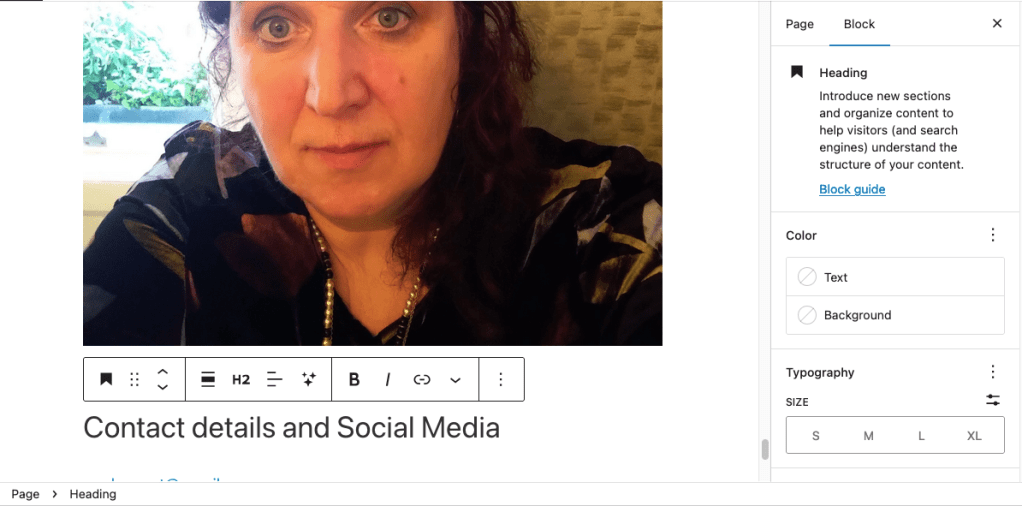
Step 3: Click in the block you want to jump to and look to the block editor in the right-hand panel and go to Advanced

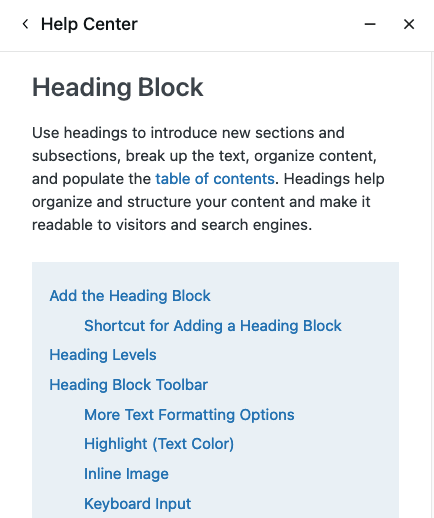
Step 4: If Advanced isn’t visible, click on block guide and use page search (Mac shortcut – Cmd + F) for Advanced and it will appear
Step 5: Lastly, under the Advanced section, paste the words following – without) the hashtag into the HTML anchor field

 Sophie Sweatman
Leave a comment